
01
Create your account
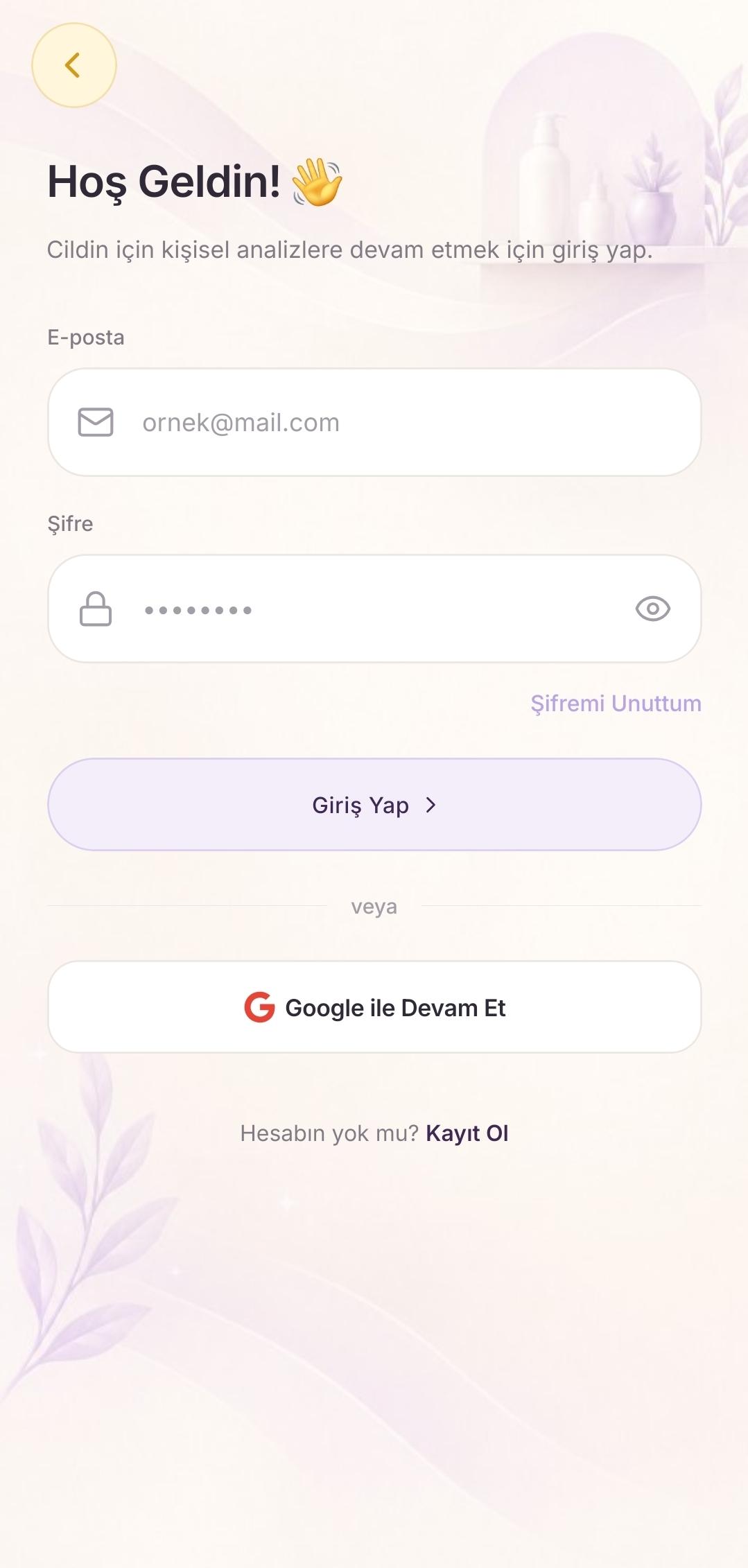
Welcome. Sign up with email and a password, or continue with Google. If you forget your password, you can reset it with “Forgot password”.
How-to guide
Seven simple steps to turn CossyVita into a habit in your first week.
Welcome. Sign up with email and a password, or continue with Google. If you forget your password, you can reset it with “Forgot password”.
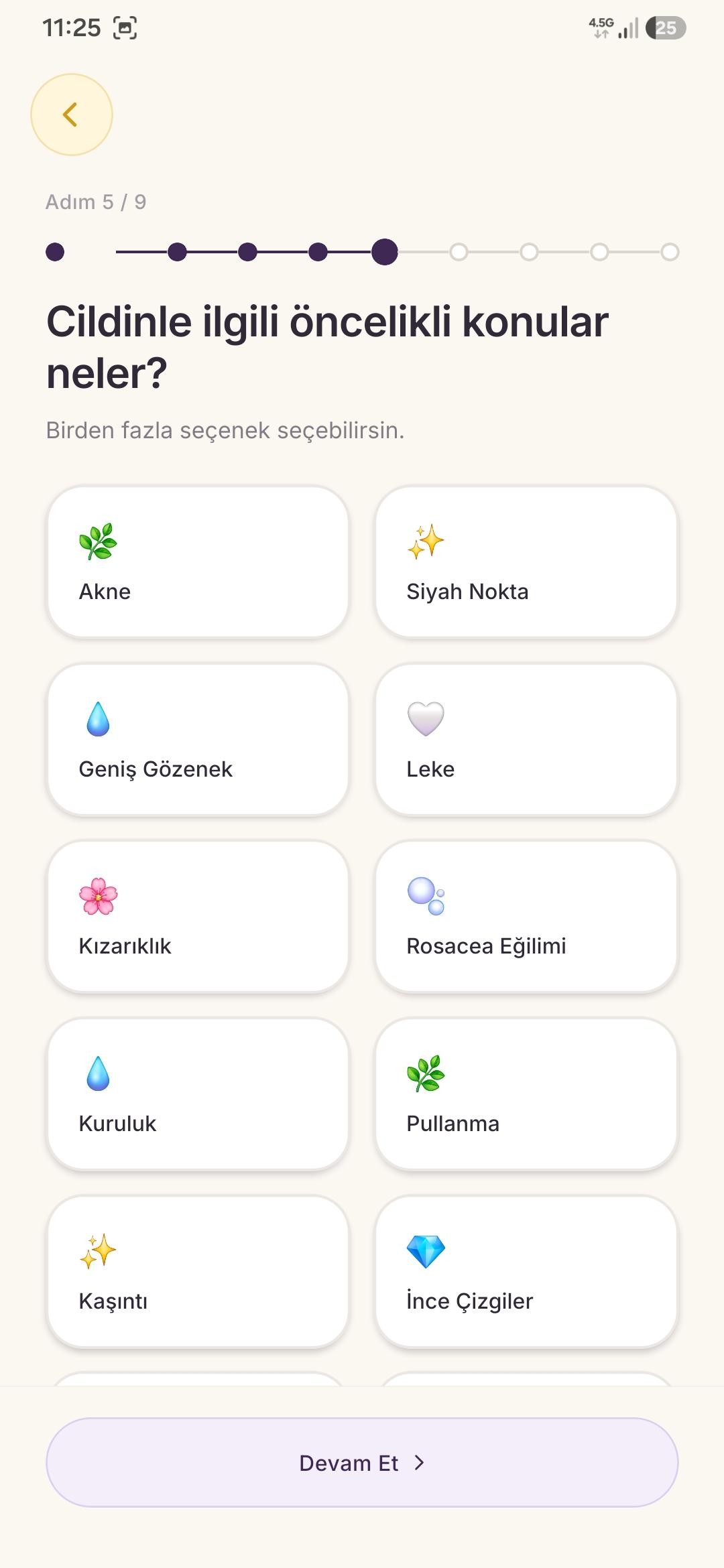
Skin type, concerns, goals, and lifestyle make product fit and suggestions personal. A few minutes on your profile makes the next steps more meaningful.
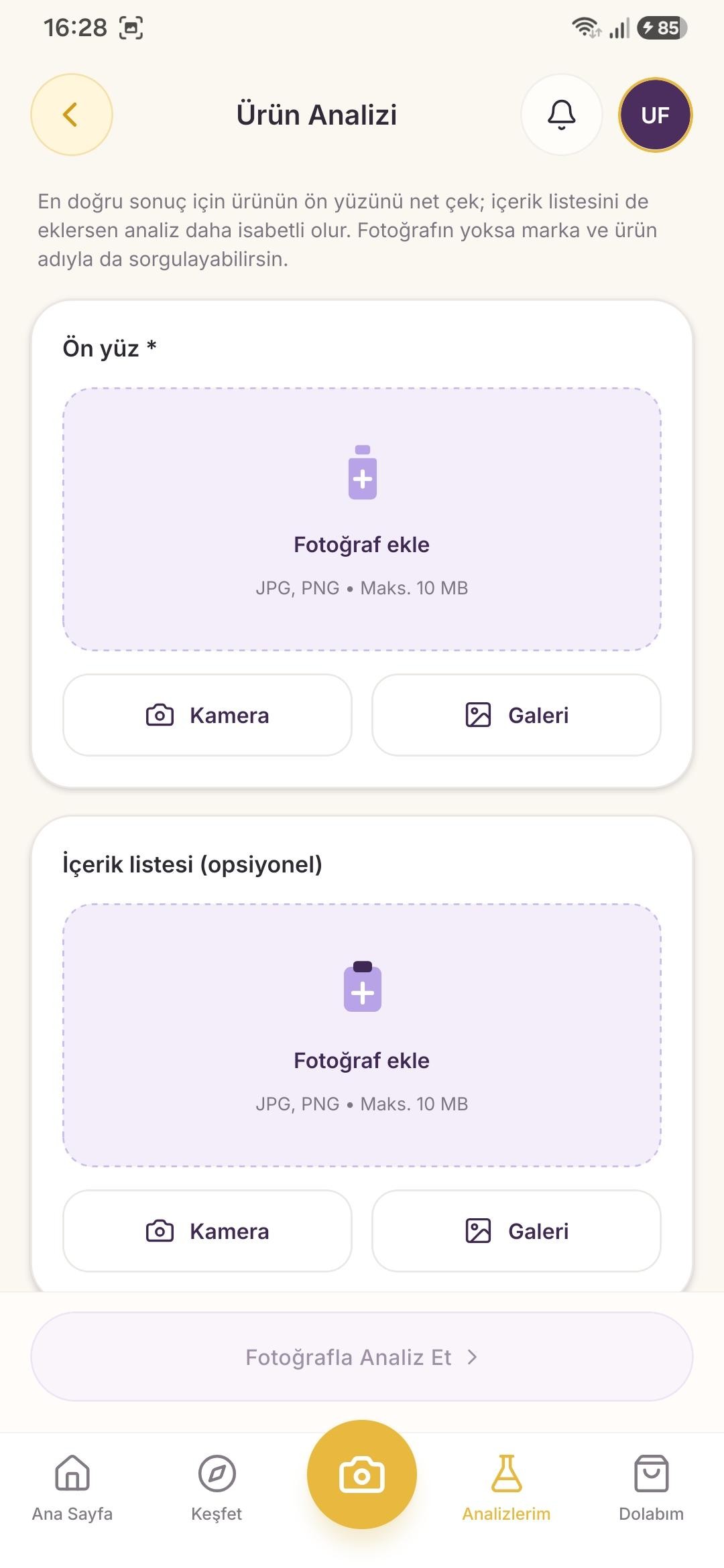
Photograph the product label or cap with the camera. Analysis starts in a few seconds; you can see ingredients and the fit with your skin right away.
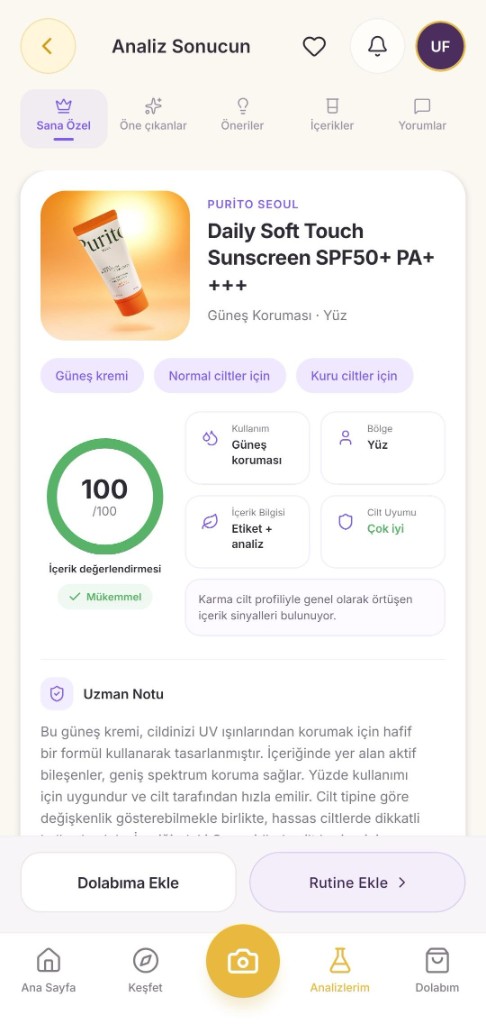
Read the ingredient note, skin fit, and expert note in one place. On the For you tab, see how the product may work with your skin.
Add products you like to your cabinet. Your care products live in one place, ready for routines and comparisons.
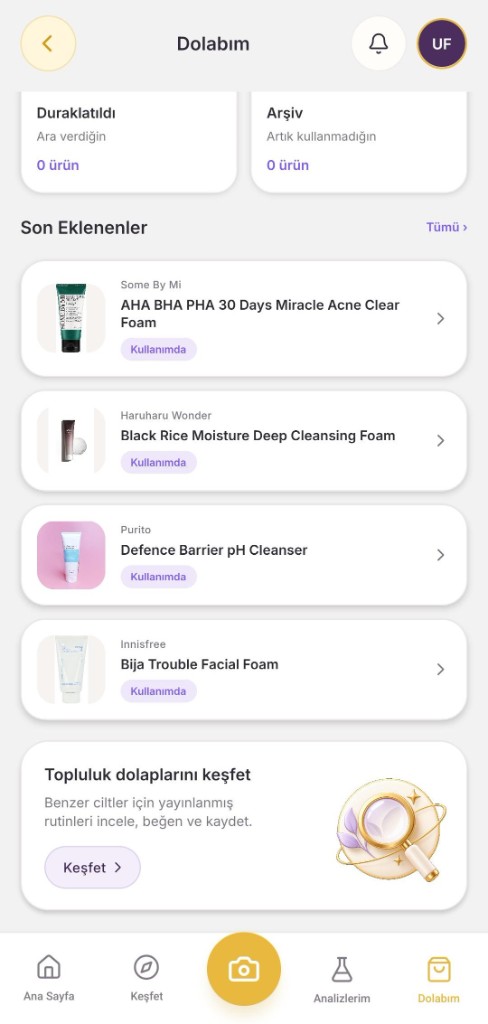
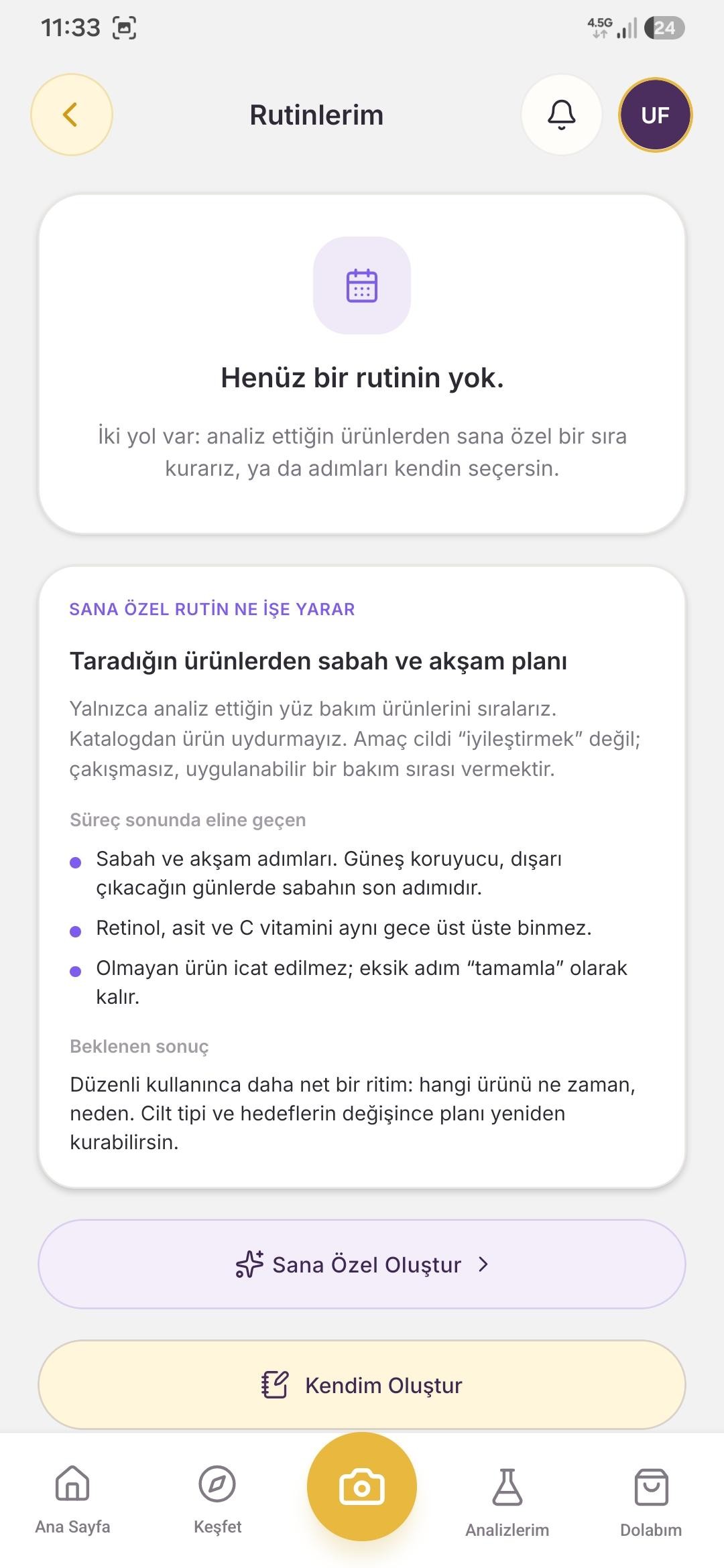
Let’s put morning and evening care together from products you analyzed. Order the steps, turn on reminders, and calmly read clashing actives.
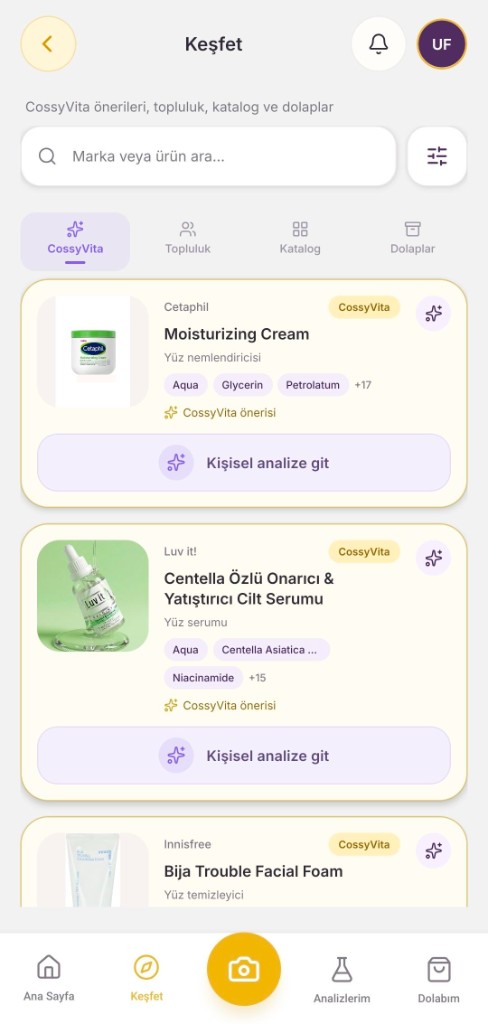
Type a brand or product name, pick it from the catalog, and move into a personal analysis. Finding a product you are curious about has never been this easy.
Android is live on Google Play. The iOS App Store link is also on the home page.